
Plan your money
before you spend it.
Balanced is a budgeting app for iPhone, iPad and Mac that plans ahead, keeps the books straight, and never asks for your bank login.


One-time purchase · No subscription · No account needed
- Expenses:Groceries
- +84.20
- Assets:Checking
- −84.20
- Balanced
- 0.00
Plan ahead
Decide where your income goes, before it's gone.
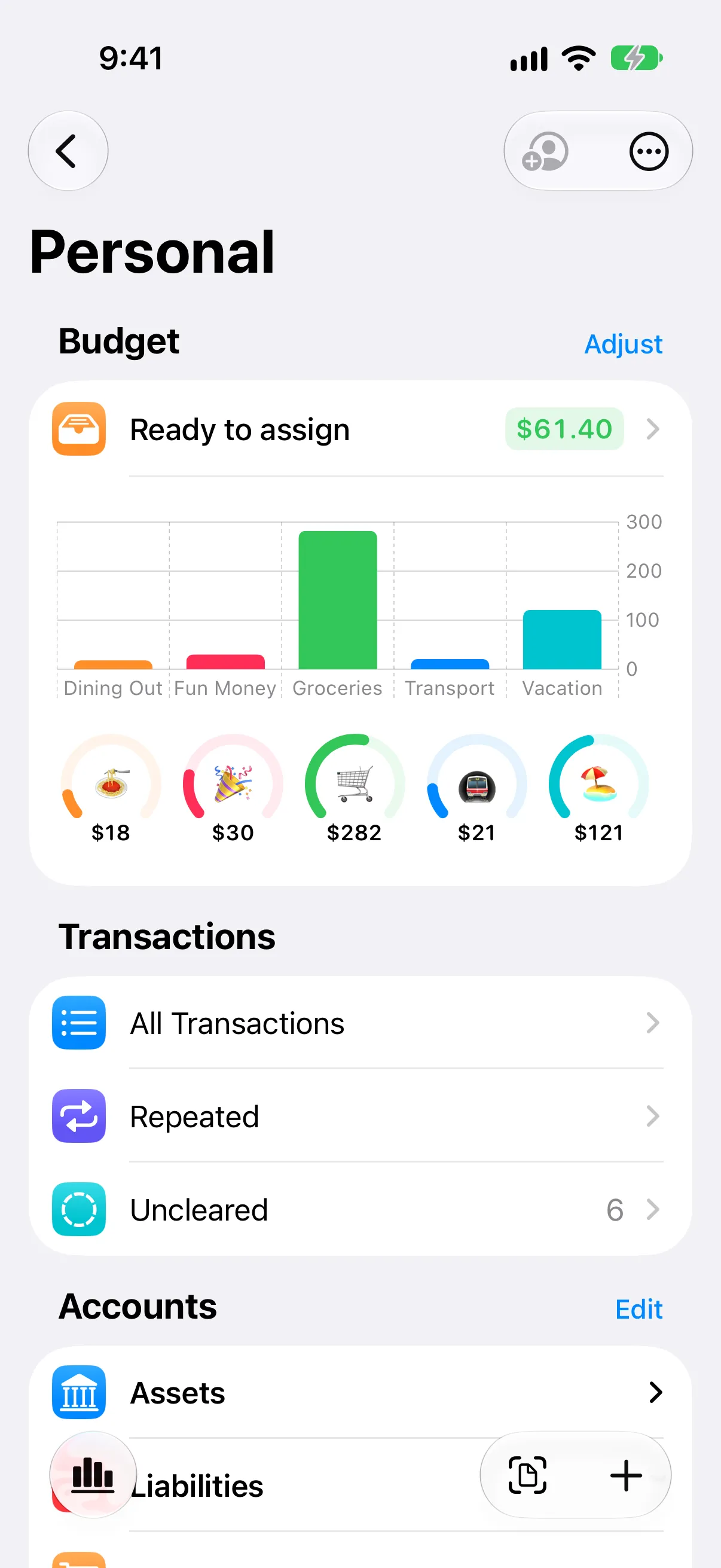
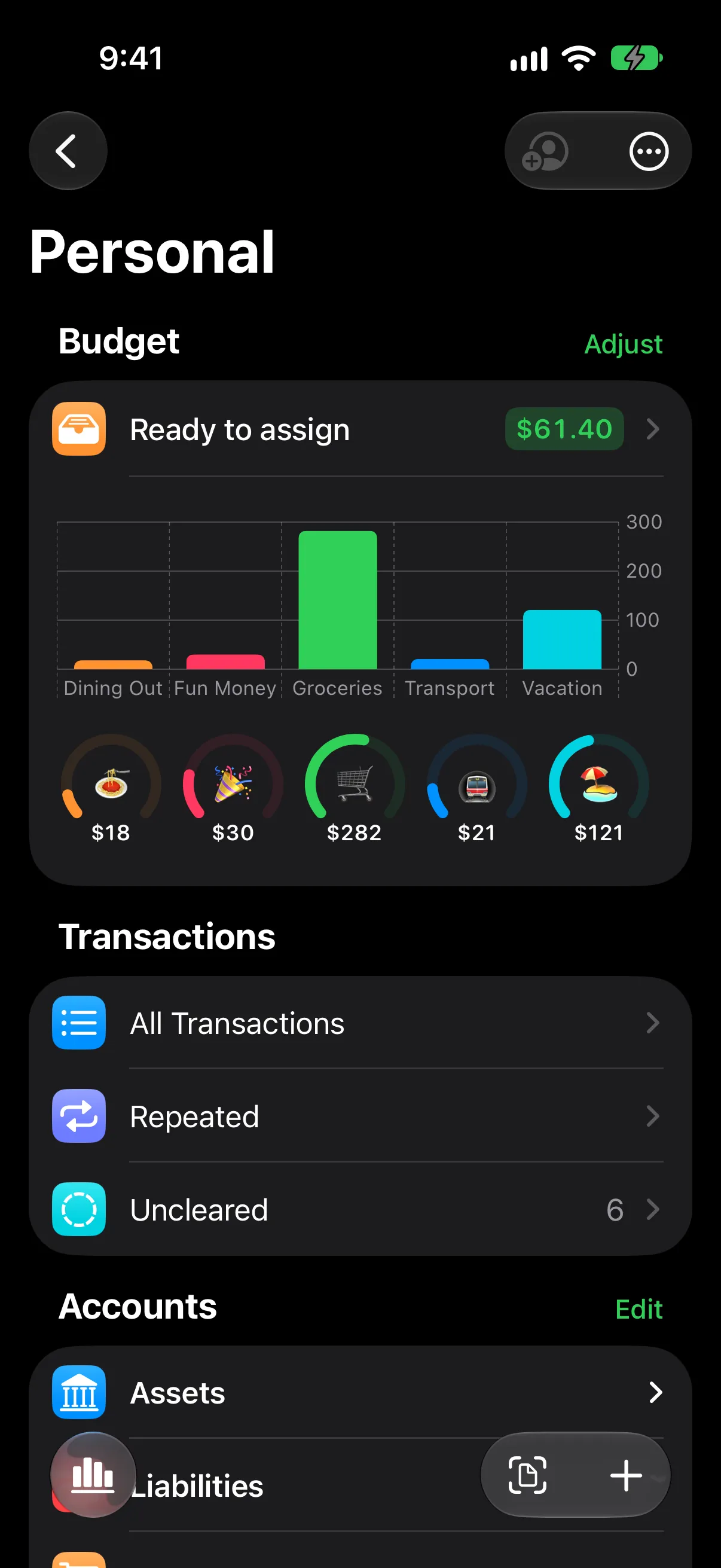
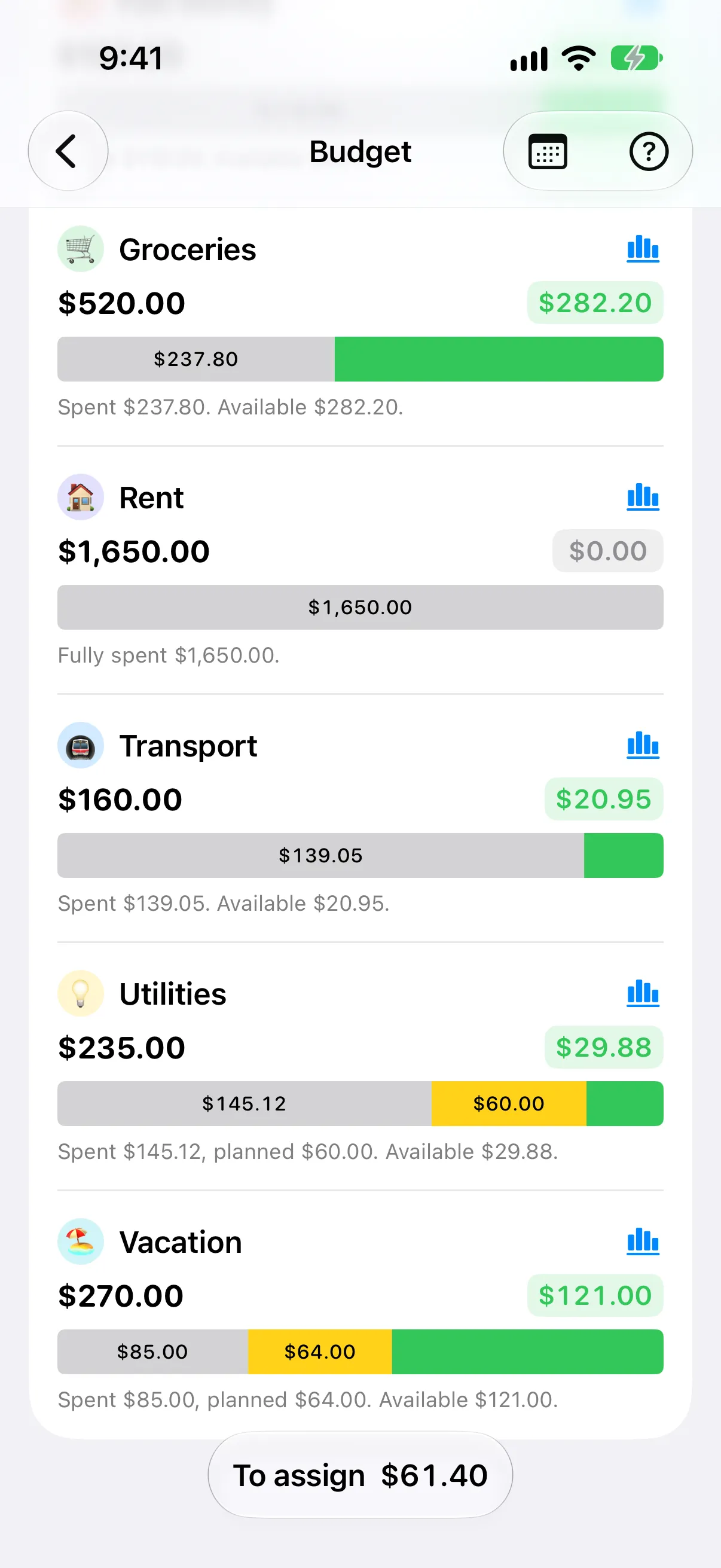
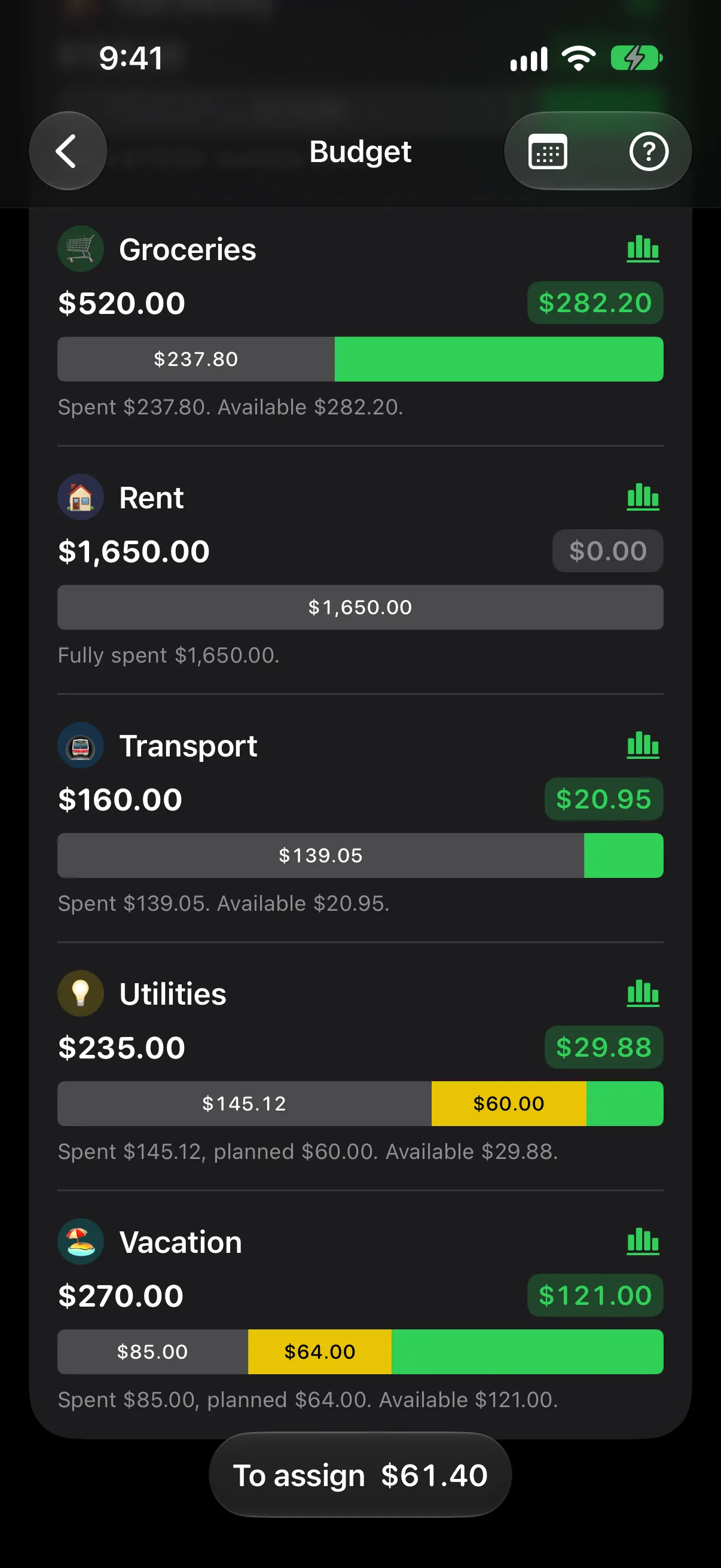
Assign your income to your budgets and debts before you spend it. When one budget runs over, move money from another and keep going.
- Monthly budgets where leftovers roll over
- Save up month by month for trips and big bills
- Recurring transactions that plan themselves
Adds up. Always.
Real accounting under the hood. None of the jargon.
Every transaction moves money from somewhere to somewhere. That's why credit cards, loans and transfers just work, with no workarounds.
- Credit cards that behave like credit cards
- Track loans, debt and payoff
- Net worth and account history charts
- Groceries
- +84.20
- Credit Card
- −84.20
- Card owes
- 84.20
- Credit Card
- +84.20
- Checking
- −84.20
- Card owes
- 0.00
Private by design
Your finances stay yours.
No bank login
Balanced never connects to your bank. You stay in control of what goes in.
No account
No sign-up, no email, no password. Open the app and start.
Your devices, your iCloud
Your data lives on your devices and syncs through your own iCloud account.
Switching from YNAB?
| Feature | Balanced | YNAB |
|---|---|---|
| Price | One-time purchase | Subscription (~$109/yr) |
| Sign-up required | No | Yes, YNAB account |
| Where your data lives | Your devices and your iCloud | Online, in your YNAB account |
| How credit cards and loans work | Double-entry accounts | Credit card payment categories and loan accounts |
| Automatic bank import | No, by design | Yes, in supported regions |
| Platforms | iPhone, iPad and Mac | Web, iPhone, iPad, Apple Watch and Android |
YNAB details as of 2026-10-11. YNAB is a trademark of its owner.
Pay once. Keep it.
One-time purchase. All features. Free updates.
Questions
Do I need to know accounting?
No. You enter expenses, income and transfers like in any budgeting app. Balanced does the bookkeeping underneath, and you can look under the hood whenever you like.
Does Balanced connect to my bank?
No. You enter transactions yourself. That keeps you aware of every expense, and your bank credentials never leave your hands.
Where is my data stored?
On your devices, and synced through your own private iCloud account (on by default; you can turn it off). Balanced has no servers of its own, so we cannot see your data.
What happens when I get a new iPhone?
If iCloud sync is on, sign in with the same Apple Account and your data comes back.
Are the iPad and Mac versions included?
Yes. One purchase unlocks Balanced on all your devices.
Start planning today.